
Google Ads Reporting
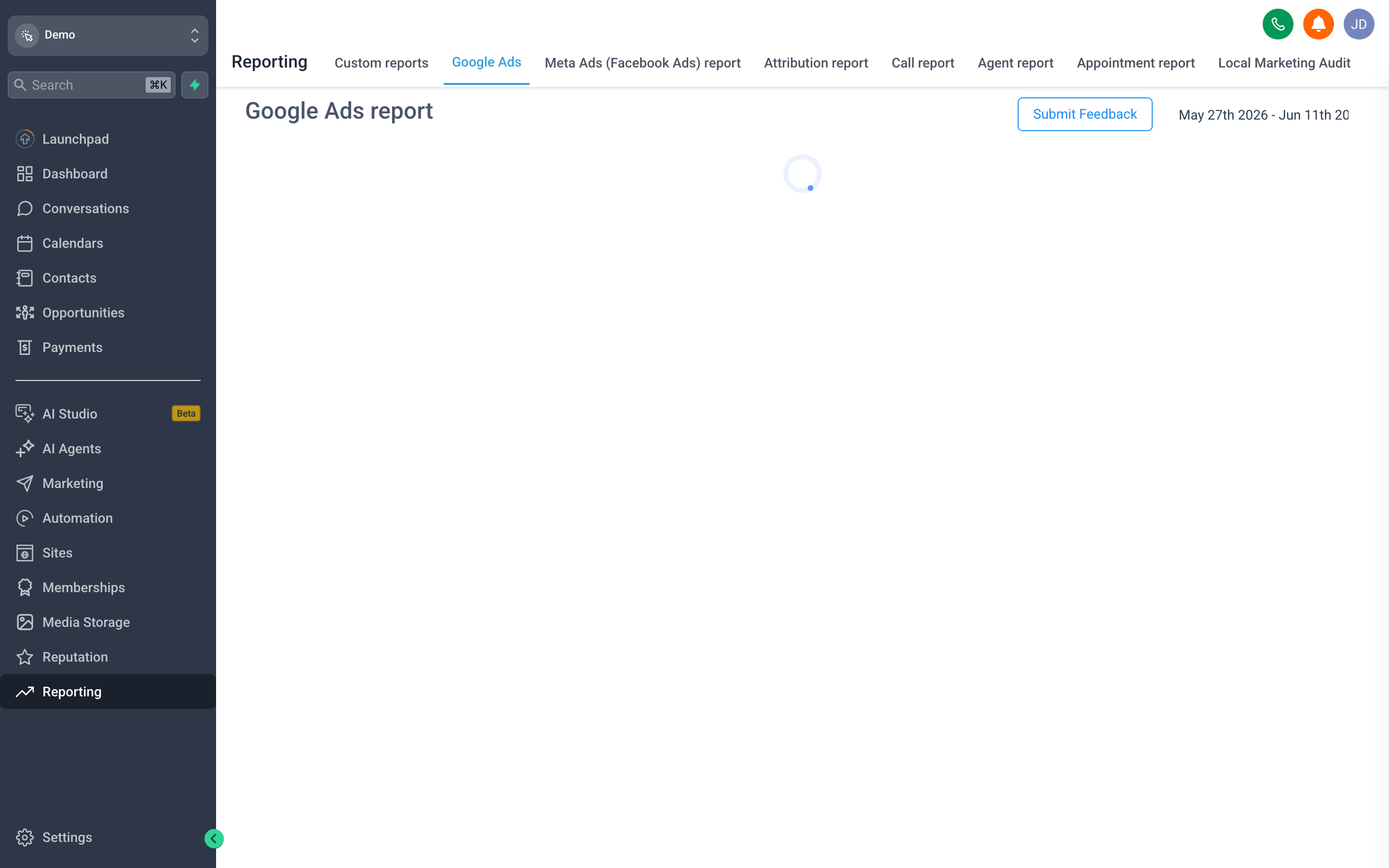
Google Ads Reporting brings your Google Ads performance into {{brandName}} — spend, clicks, and conversions — tied to the leads and revenue each campaign produced.
Connect your Google Ads account from the reporting screen to populate it; before that, the report is empty because there is no account to read from. Once linked, you get campaign metrics in the same place as your pipeline and Attribution data, so “what did Google Ads actually return?” is a question you can answer without exporting anything.
Together with Facebook Ads Reporting, it gives you both major paid channels side by side, measured against real CRM outcomes rather than platform-reported conversions alone.