
Audit Logs
The audit log is your sub-account’s record of significant actions: who did what, and when. When you need to answer “who changed this?” or confirm whether an account was accessed, the audit log is where you look. It turns vague suspicions into clear, timestamped facts.
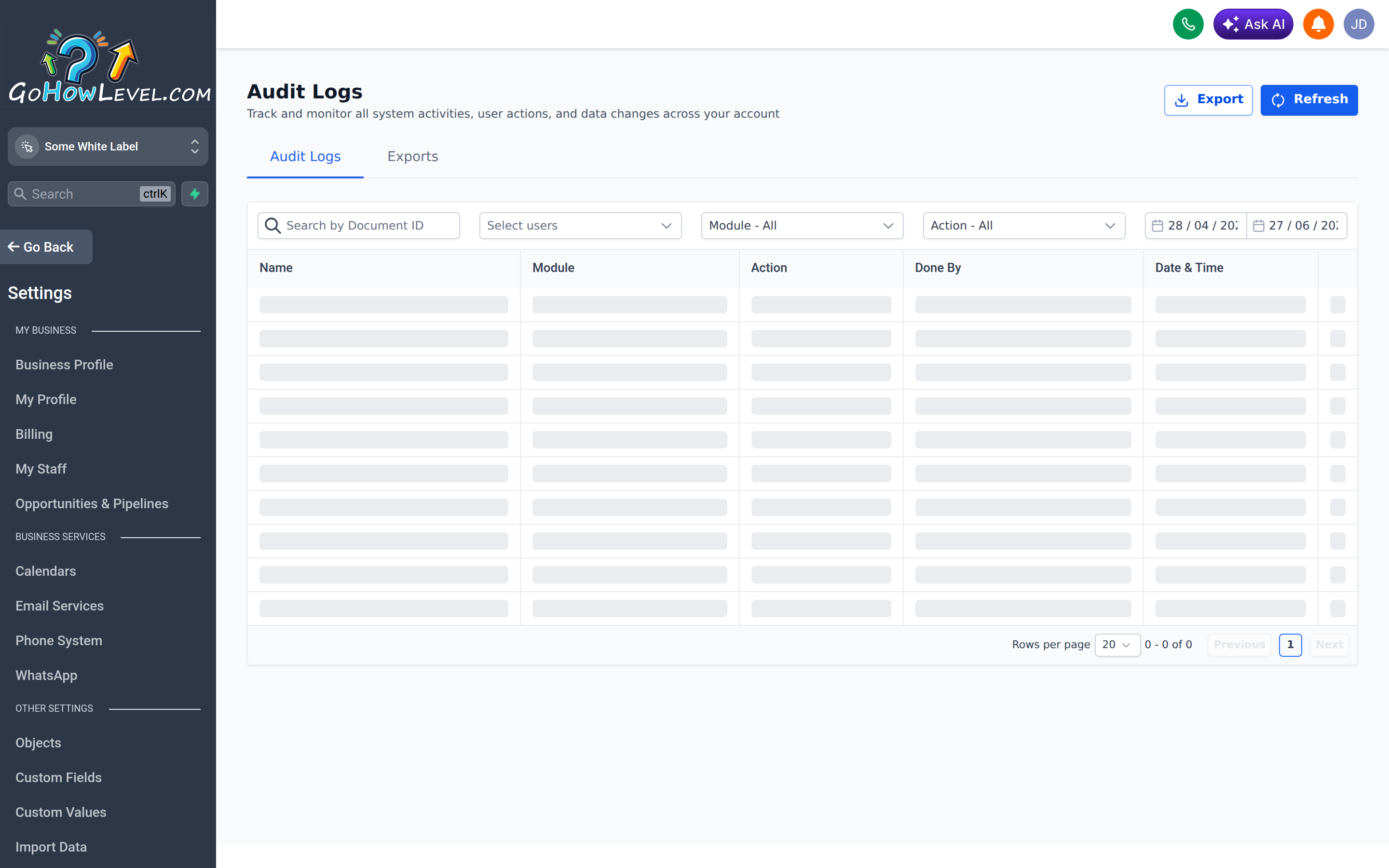
The audit log records who changed what and when across your sub-account.
What’s recorded
Section titled “What’s recorded”The audit log captures meaningful events along with the user responsible and the time it happened. Typically this includes:
- User logins (and, depending on the event, sign-in details)
- Changes to settings and configuration
- Records that were created, edited, or deleted
- Other significant administrative actions
Each entry generally shows three things: who performed the action, what the action was, and when it occurred.
Reading and filtering the log
Section titled “Reading and filtering the log”- Open the audit log under your sub-account’s settings (often Settings → Audit Logs).
- Scan the list, which is usually ordered with the most recent events first.
- Use the available filters to narrow the view — for example, by user, by date range, or by action type.
- Open an individual entry, where available, to see more detail about what changed.
When to use the audit log
Section titled “When to use the audit log”The audit log earns its keep in a few recurring situations:
| Situation | How the log helps |
|---|---|
| ”Who changed this setting?” | Find the user and time behind a configuration change |
| Something was deleted | See who removed it and when |
| Security review | Spot unfamiliar logins or unexpected activity |
| Troubleshooting a sudden change | Trace what action caused the behavior you’re seeing |
| Accountability | Confirm who took a sensitive action |
Tracing a change
Section titled “Tracing a change”When something looks different and no one’s sure why, work backward:
- Note roughly when the change appeared.
- Filter the log to that time window.
- Look for actions matching the affected setting or record.
- Identify the responsible user, then follow up directly.
This turns “I think the settings changed somehow” into “this was edited Tuesday at 3:14 PM by a specific person,” which makes the conversation — and the fix — far easier.
Security reviews
Section titled “Security reviews”Periodically reviewing logins is a healthy habit, especially for accounts with access to customer data. Look for sign-ins at unusual times or from unfamiliar patterns. If you spot something concerning, have the affected user change their password and confirm two-factor authentication is enabled.
Good habits
Section titled “Good habits”- Check the log when something unexpected changes, before assuming a bug.
- Use it to coach, not just to catch — most “who did this” answers are honest mistakes worth a quick conversation.
- Combine it with strong access practices: fewer admins, individual logins, and 2FA make the log clearer and your account safer.